
Lenovo ThinkPad 135W AC Adapter
4.6Editor score
Up to 135W output
USB Type-C interface
Multiple device support
Discover the best Lenovo Thinkpad Charger options for 2026, comparing USB-C power, wattage, compatibility, portability, and build quality before you buy.
A dependable Lenovo Thinkpad Charger must do more than fit the wall outlet. It should deliver the right power profile, use a compatible connector, and provide a secure connection for a ThinkPad, IdeaPad, Yoga, or Chromebook. This guide compares ten USB-C and high-wattage options across compatibility, output, portability, protection, and practical design.
The list includes Lenovo-branded adapters and replacement chargers built for common ThinkPad models. We compared stated wattages, voltage profiles, supported part numbers, connector types, included components, portability features, and safety provisions. The result is a practical shortlist ranging from compact 65W units to powerful 135W adapters intended for demanding laptops.
Each pick reveals where it stands out, who should consider it, and where buyers may need to verify compatibility before ordering. Ratings reflect the supplied product feedback, while technical claims come from the listed descriptions. Product availability and prices change over time, so confirm the current listing and your computer's requirements before making a final purchase.
4.6Editor score

4.4Editor score

4.5Editor score
This side-by-side comparison highlights each charger's power class, connector, portability, and intended device compatibility, making it easier to narrow the field before checking the full product details.
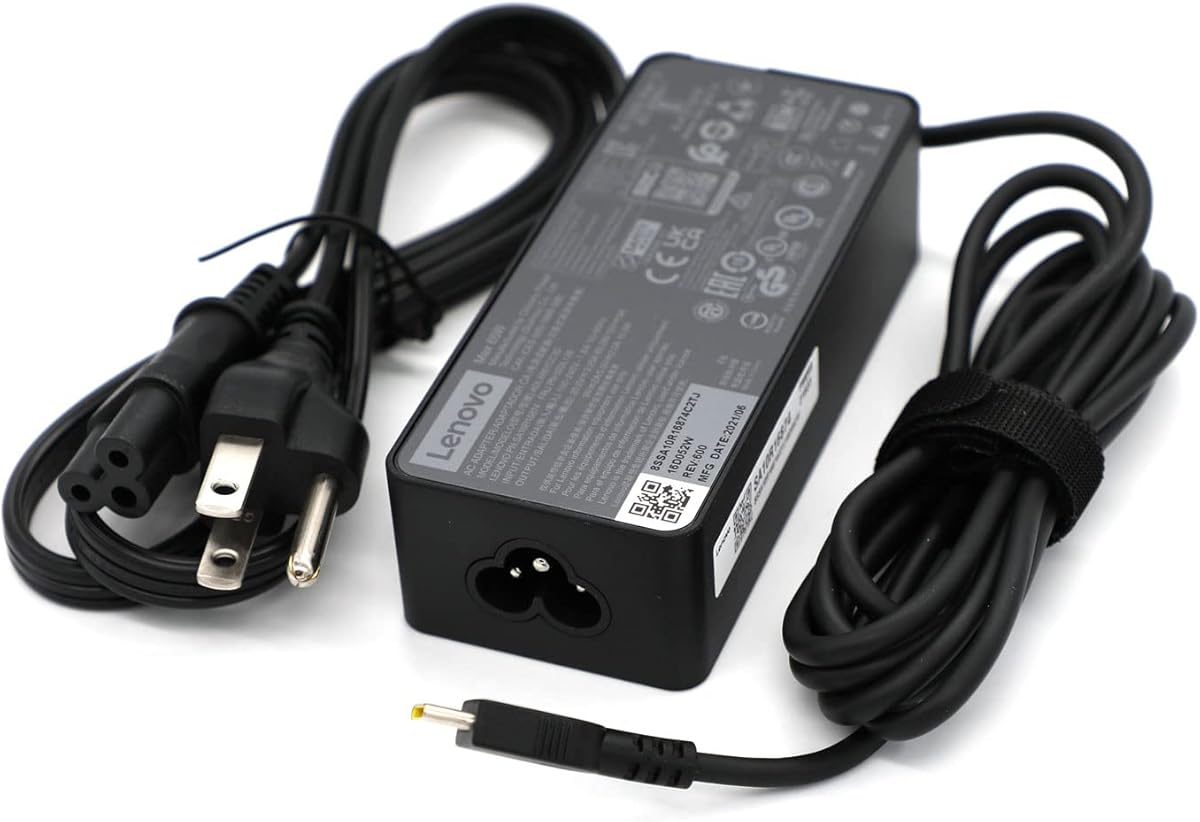


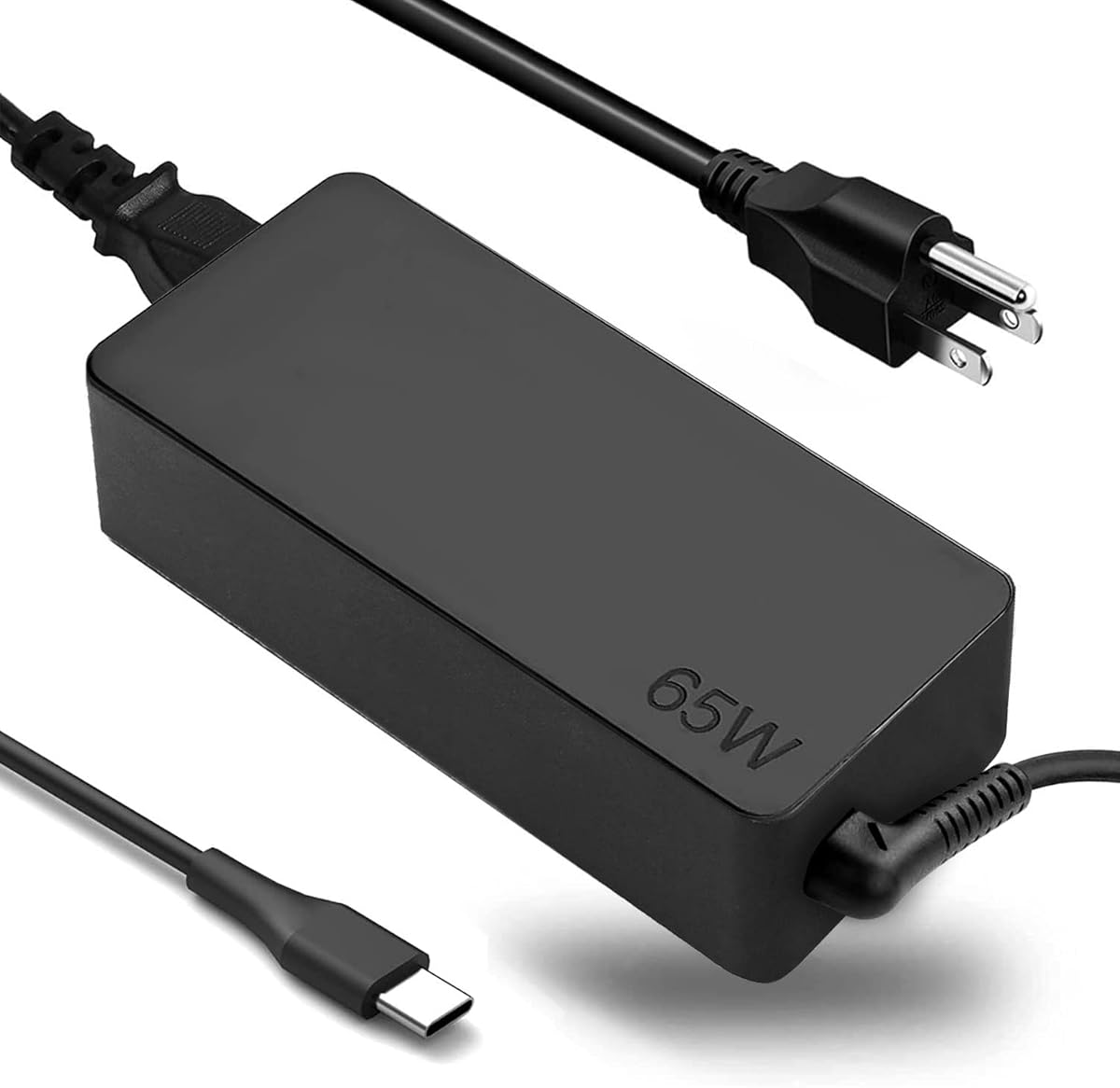
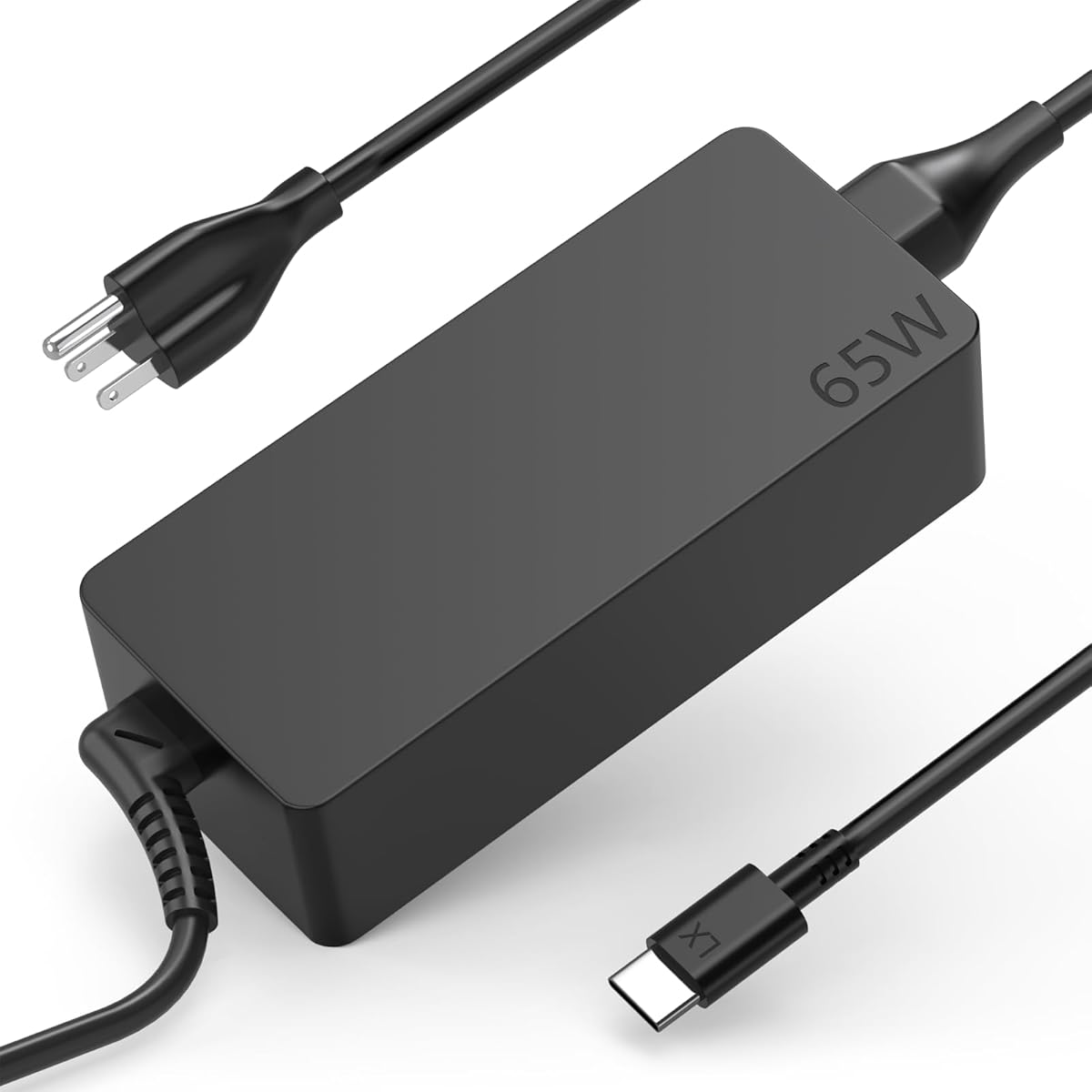


This 65W USB-C charger is designed for a wide range of Lenovo laptops, including ThinkPad T14, T15, E14, E15, X1 Carbon, and X13 models. Its 3.9 rating is the lowest in this group, but its detailed compatibility references and multi-level output settings make it worth considering for owners of a listed device.
We may earn a commission when you buy through this link, at no additional cost to you.
The adapter supports output profiles of 20V at 3.25A, 15V at 3A, 9V at 2A, and 5V at 2A. It specifically references factory models ADLX65YCC3A and ADLX65YDC2A, along with SKU or DP/N references 01FR027, 01FR025, and 01FR026. Those identifiers are particularly useful for checking whether the replacement corresponds with the original adapter.
Its broad model list is also a potential drawback. It includes numerous generations of ThinkPad, ThinkBook, IdeaPad, Yoga, and P-series systems, which can make the listing difficult to interpret. The charger should not be treated as universally suitable merely because it uses USB-C; buyers should confirm the exact model, factory adapter reference, and required output.
This is a reasonable choice when the listed compatibility details closely match the ThinkPad in question and a conventional 65W adapter is wanted. It is less attractive for buyers who need greater reassurance, extensive protection claims, or a clearly established preference for a Lenovo-branded unit.
The inclusion of specific factory model numbers and DP/N references makes verification more straightforward than relying only on a general ThinkPad label. Check those identifiers against the adapter originally supplied with the computer.
Multiple voltage and current combinations allow the charger to negotiate an appropriate setting for compatible USB-C devices. That flexibility is useful within the stated 65W ceiling.
We may earn a commission when you buy through this link, at no additional cost to you.
UNAWUDOH's 65W USB-C charger combines Power Delivery 3.0, broad device coverage, and a 4.5 customer rating. It is among the strongest all-around replacements in the guide, particularly for owners of recent and older ThinkPad, Yoga, and Chromebook systems that use a 65W USB-C power profile.
We may earn a commission when you buy through this link, at no additional cost to you.
Its stated input range is 100-240V at 1.8A for 50Hz and 60Hz use. Output includes 5V at 3A, 9V at 3A, 15V at 3A, and 20V at 3.25A, with intelligent adjustment between 65W and 45W. The compatibility list includes several X1 Carbon and X1 Yoga generations, T14, T15, T14s, T16, E14, E16, L14, and L16 systems.
The product description emphasizes a reinforced connector joint tested to withstand more than 50,000 bends, fire-retardant materials, and an intelligent circuit chip. It also claims protection against short circuits, over-voltage, over-current, and internal overheating. These details are notable because cable strain and thermal control are central concerns in any compact charging brick.
It is best suited to buyers seeking a capable 65W replacement without choosing a Lenovo-branded adapter. The main caution is model verification: the list is extensive, so users should confirm the exact ThinkPad or Yoga series and the original adapter part number before purchasing. Its 4.5 rating and strong safety-focused feature set make it a persuasive budget-oriented choice.
Power Delivery 3.0 and automatic adjustment between 65W and 45W make this adapter suitable for varied USB-C devices. The 20V profile supports the upper end of its stated charging output.
The reinforced connector joint targets a common failure area in portable adapters. Temperature, current, and short-circuit monitoring add further layers of protection for daily use.
We may earn a commission when you buy through this link, at no additional cost to you.
The Lenovo USB-C 65W Wall Charger is the cleanest general-purpose recommendation in this guide. Its 4.4 rating, Lenovo branding, slim profile, and 65W Power Delivery 3.0 output combine the qualities buyers most often want from a compact Lenovo charger.
We may earn a commission when you buy through this link, at no additional cost to you.
Portability is the defining feature. The listing describes the adapter as slim and light, while its attached cable measures 5.9 feet, or 1.7 meters. That length gives users more freedom when the wall outlet is behind furniture, near a desk edge, or inconveniently positioned beside other equipment.
The charger supports laptops, tablets, notebooks, and other compatible USB-C devices. Its 65W ceiling is appropriate for many mainstream ThinkPad configurations, although the description does not provide a detailed model-number list. Buyers should therefore verify the requirements of their specific computer rather than assuming every Lenovo model is supported.
This is the top overall option for a buyer who wants a recognizable Lenovo charger without moving to the much bulkier 135W class. It is particularly convenient for travel and shared workspaces. The main limitation is that the attached cable is not detachable, and its 65W output will not cover high-performance laptops that require a higher adapter.
The slim, lightweight construction makes the adapter easier to carry than a full-size workstation power brick. It is a practical choice for travel kits and flexible work arrangements.
A 5.9-foot attached cable provides useful positioning flexibility. It reduces the need to sit immediately beside an awkwardly placed outlet while retaining a straightforward plug-and-use layout.
We may earn a commission when you buy through this link, at no additional cost to you.
This Lenovo ThinkPad 65W Slim AC Adapter is a compact, branded alternative for users who want the familiar ThinkPad identity without carrying a high-wattage brick. Its 4.2 rating places it in the middle of the group, while the slim description makes it appealing for travel and space-conscious setups.
We may earn a commission when you buy through this link, at no additional cost to you.
The adapter supplies up to 65W, accepts 120V AC input, and uses a USB Type-C connection. The description also states that it delivers constant 5V DC and provides constant voltage to supported portable devices. Those points make it relevant to USB-C systems designed around a conventional 65W charging profile.
Compared with the other Lenovo-branded option in the guide, this product gives buyers less information about supported ThinkPad models and output profiles. The input specification also focuses on 120V, which may be worth considering for international travel. A separate local cord or appropriate regional setup may be necessary depending on the intended use location.
It is a sensible pick for someone already comfortable with Lenovo's general USB-C 65W format. It may suit a ThinkPad that previously used a similarly slim adapter. The deciding question is whether the buyer values the slim Lenovo-branded design more than a more detailed compatibility list or broader published voltage information.
The slim form factor makes this adapter easier to organize in a laptop bag. It is intended to deliver everyday charging without the size associated with higher-output Lenovo adapters.
USB Type-C connection and a 65W ceiling align with the charging format used by many contemporary ThinkPad laptops. Verify the laptop's original requirements before replacing an adapter.
We may earn a commission when you buy through this link, at no additional cost to you.
COWOOGMZ's 65W USB-C charger is aimed at buyers who know their ThinkPad, Yoga, ThinkBook, or Chromebook model but want extensive replacement coverage. The 4.3 rating reflects generally favorable customer feedback, and the detailed model and part-number list provides a useful starting point for compatibility research.
We may earn a commission when you buy through this link, at no additional cost to you.
The electrical specifications include 100-240V input at 1.5A for 50Hz and 60Hz. Output covers 5V at 3A, 9V at 3A, 15V at 3A, and 20V at 3.25A, with stated support for both 65W and 45W USB-C devices. Numerous ThinkPad families are listed, including T, E, P, L, X1, X1 Yoga, and X1 Fold models.
Built-in safeguards are described as monitoring temperature, voltage, and other parameters in real time. The package contains an AC power adapter, an AC power cable, and a user manual. That is a helpful level of detail for anyone comparing replacement cords and wanting to know what arrives in the box.
This product is well suited to a broad household of compatible USB-C Lenovo devices. Its challenge is interpretation: the unusually long compatibility list can make a quick decision difficult. Treat it as a reference to check against the exact system, and confirm that the required connector and wattage are genuinely supported rather than relying on a family name alone.
The listing includes multiple series designations and original charger part numbers. This creates a useful verification path for identifying a close replacement before placing an order.
Support for 65W and 45W devices makes the adapter potentially useful across more than one class of Lenovo hardware. The relevant output profile will depend on the connected device's requirements.
We may earn a commission when you buy through this link, at no additional cost to you.
Fepprry's replacement charger is a 65W USB-C option built for ThinkPad, Yoga, and Chromebook systems. It earns a 4.2 rating and distinguishes itself with a wide range of voltage profiles, support for 45W devices, and an explicitly stated 100-240V input range.
We may earn a commission when you buy through this link, at no additional cost to you.
Outputs include 5V at 3A, 9V at 3A, 12V at 3A, 15V at 3A, 20V at 2.25A, and 20V at 3.25A. The charger references numerous ADLX65 and ADLX45 factory part numbers, including ADLX65YDC2A, ADLX65YLC2A, ADLX65YCC3A, and several related variants.
The model coverage includes T480, T480s, T490, T490s, T495s, T580, T580s, T590, L380, L390, L480, L490, E14, E15, and several E-series systems. It also lists many Yoga models, including 7i, 9i, S730, C930, C940, C740, 730, 910, and 920 variants.
This is a useful option for users replacing an older 65W adapter and for travelers who appreciate broad input voltage. The trade-off is the need to confirm that the listed part number corresponds with the original charger. It should be selected for compatible 65W or 45W hardware, not for a system requiring a 135W adapter.
Six listed voltage and current combinations create flexibility across compatible devices. The two 20V profiles also offer distinct current options within the charger's stated maximum power.
The stated 100-240V AC input can be useful across different wall systems. Local plug compatibility and cord standards should still be confirmed for international travel.
We may earn a commission when you buy through this link, at no additional cost to you.
The DECSZDY replacement charger focuses on the straightforward goal of providing a spare 65W USB-C power supply for Lenovo laptops. Its 4.3 rating is solid within the group, and the inclusion of an AC cord makes it a practical replacement rather than a wall-plug-only adapter.
We may earn a commission when you buy through this link, at no additional cost to you.
Compatibility is described around ThinkPad, Yoga, IdeaPad, Chromebook, Flex, and ThinkBook systems that use USB-C and accept 65W or 45W charging. Specific references include ADLX65YDC2A, ADLX65YLC2D, ADLX65YDC3A, and ADLX65YDC2D. T480, T490, T580, and second-generation S330 Chromebook are also named.
The listing describes the adapter as suitable for home, office, or travel use, including the idea of keeping one unit in each location. That is a sensible use case for people who do not want to unplug and carry a single charger every day. The package includes one laptop power adapter and one AC power cord.
Compared with chargers that publish extensive protection and monitoring details, this product offers a more streamlined description. Its universal-style compatibility claim requires verification against the actual computer. It is best for owners of a listed USB-C Lenovo system who want an uncomplicated additional 65W charger.
A second charger can reduce cable wear and simplify switching between a home desk, office, and travel bag. The included AC cord keeps the setup straightforward.
The listing references several familiar ThinkPad, Yoga, and Chromebook families and multiple ADLX65 part numbers. Confirming the original adapter identifier remains the safest way to establish fit.
We may earn a commission when you buy through this link, at no additional cost to you.
HBONY's 65W Type-C charger stands apart by covering Lenovo, HP, Dell, Acer, Asus, and Samsung devices. Its 4.2 rating and broad output profile make it relevant to mixed-device households or users who want one adapter to serve several compatible USB-C computers.
We may earn a commission when you buy through this link, at no additional cost to you.
The charger accepts 100-240V at 1.6A for 50Hz and 60Hz. It provides 5V at 3A, 9V at 3A, 15V at 3A, and 20V at 3.25A, with stated compatibility for both 65W and 45W USB-C devices. Lenovo coverage includes ThinkPad T, E, L, P, and X1 families, along with numerous IdeaPad, Yoga, and Chromebook models.
The multi-brand coverage extends well beyond Lenovo. Listed HP families include Envy x360, EliteBook x360, Spectre x360, and various Chromebooks. Dell Latitude, Inspiron, XPS, and Chromebook models appear too, while Acer, Asus, and Samsung Chromebook and Galaxy Book systems are also named.
That breadth is both the key attraction and the main warning. A long list cannot guarantee that every USB-C connector, power standard, and model variant behaves identically. A buyer should check the actual laptop, connector type, and required wattage. With a confirmed compatible device, this can be a versatile multi-brand power solution.
Multi-brand support can be valuable for users who switch among Lenovo, HP, Dell, Acer, Asus, and Samsung hardware. It reduces the need to carry a separate adapter for every USB-C device.
Four principal output profiles cover common USB-C charging levels. Device-specific support remains necessary, especially for computers that use specialized charging protocols or higher wattages.
We may earn a commission when you buy through this link, at no additional cost to you.
The Lenovo ThinkPad 135W AC Adapter is the premium conventional-adapter choice in this guide. It shares the top customer rating of 4.6 and offers substantially more power than the 65W models, making it relevant for compatible ThinkPads that benefit from higher charging output.
We may earn a commission when you buy through this link, at no additional cost to you.
The adapter can supply up to 135W and supports multiple devices through a USB Type-C interface. It accepts 120V AC input. Its description emphasizes constant-voltage power delivery and a quick, uncomplicated charging experience, with Lenovo and ThinkPad branding adding familiarity for business-oriented users.
The main benefit is headroom. A higher-output adapter can serve demanding computer configurations better than a conventional 65W unit, provided the laptop's charging system and connector support the relevant power profile. It may also be useful in mixed setups that include several USB-C devices, subject to their individual requirements.
The trade-off is bulk and unnecessary power for many owners. Most lightweight ThinkPad users should not assume they need a 135W brick, and the listed 120V input deserves attention outside the United States. For a high-power compatible ThinkPad, however, this Lenovo-branded adapter offers the strongest balance of rating, output, and brand confidence in the list.
A 135W ceiling provides meaningful capacity above standard 65W adapters. This can be advantageous for compatible high-performance systems that benefit from a higher negotiated power profile.
ThinkPad branding and a USB Type-C interface align with the design language of modern Lenovo business laptops. It is a more substantial option than a travel-oriented 65W adapter.
We may earn a commission when you buy through this link, at no additional cost to you.
This Lenovo 135W AC adapter and charger is designed for IdeaPad Gaming, Legion, and other compatible models. It has a 4.6 rating, tied for the highest among the listed products, and offers a distinct alternative to USB-C adapters through its slim-tip connector.
We may earn a commission when you buy through this link, at no additional cost to you.
Maximum output is 135W. The input specifications cover both 120V AC and 230V AC, which is useful for a broader range of locations than an adapter listing only one input voltage. The specific model number ADL135NDC3A gives buyers a clear reference when comparing this charger with the original hardware.
The slim-tip connector is the critical distinction. It is not interchangeable with a standard USB-C cable merely because both chargers have a maximum output of 135W. This makes the adapter more specialized and requires careful confirmation of the connector shape and the charging requirement of the target Legion or IdeaPad Gaming computer.
This is the appropriate pick for a compatible high-performance Lenovo system that uses the slim-tip format. It provides substantial output, clear model identification, and dual listed input voltages. For a standard USB-C ThinkPad, though, one of the 65W options will usually be a better fit.
The listed IdeaPad Gaming and Legion compatibility targets machines with greater power requirements. A 135W ceiling provides meaningful capacity for those supported systems.
Both 120V and 230V input are stated, offering useful regional versatility. The attached wall cord and plug style still need to match the location where the adapter will be used.
We may earn a commission when you buy through this link, at no additional cost to you.
Choosing a replacement charger requires balancing connector type, power capacity, supported voltage profiles, and device compatibility. The following factors help narrow the options without overlooking details that matter in daily use.
Most modern Lenovo laptops use USB Type-C, but some high-performance IdeaPad Gaming and Legion systems use a proprietary slim-tip connection. Start with the shape of the port on the computer or the original charger rather than assuming every 135W adapter is interchangeable. A similar wattage does not make physically different connectors compatible.
In short, match the connector before comparing power. USB-C and slim-tip options should never be treated as interchangeable.
A 65W adapter is the standard class represented by most options in this guide and is suitable for many conventional ThinkPad, Yoga, IdeaPad, and Chromebook configurations. The two 135W choices provide greater output for compatible systems with more demanding power needs. Using a charger with an adequate rating is central to normal operation, while an undersized adapter may charge more slowly or fail to satisfy the computer's requirements.
In short, choose 65W for mainstream compatible laptops and consider 135W only when the original adapter or device documentation calls for that higher class.
Compatibility lists can include dozens of related series, and the same family name may cover different generations and connector arrangements. The most reliable evidence comes from the factory model or part number printed on the original Lenovo adapter, such as one of the ADLX references used by several chargers in this guide. Compare that identifier, the connector, and the output specification.
In short, use the original adapter label as your primary reference and treat broad model lists as supporting guidance rather than an automatic guarantee.
USB-C power adapters negotiate output levels with compatible devices. A capable adapter may offer profiles at 5V, 9V, 15V, and 20V, while some also list 12V. More profiles can support a wider selection of devices, but the device must still recognize and accept the offered profile. The maximum wattage alone does not reveal every electrical detail.
In short, compare the full output table rather than focusing on the headline wattage. Compatible voltage and current combinations make a 65W adapter more versatile.
Input voltage matters when the adapter will be used in different regions. Several replacement chargers state 100-240V input, while the two Lenovo 135W adapters have different specifications: one lists 120V, and the slim-tip model lists both 120V and 230V. Also consider the wall plug and included cord, because broad input support does not automatically solve every regional outlet and plug configuration.
In short, match both input voltage and the physical wall plug to your usual location. For international travel, verify the cord and plug arrangement as well.
A slim adapter with an extended cable can be easier to position at a shared desk, café, or hotel room. The Lenovo 65W wall charger emphasizes portability and includes a 5.9-foot attached cable, whereas the 135W models prioritize power and are likely to serve as more permanent workstation accessories. Attached cables are convenient but cannot be replaced independently.
In short, favor a slim form and useful cable reach for travel, and prioritize a high-output brick for a stationary power setup.
Protection claims can include temperature monitoring, over-current protection, over-voltage protection, short-circuit handling, and resistance to connector strain. Some replacement listings provide detailed information on these safeguards, while others focus mainly on output and compatibility. A reinforced connector joint is particularly relevant because repeated bending near the plug is a common point of wear.
In short, look for active monitoring and a durable cable connection, but do not substitute general safety claims for compatibility and electrical verification.
A single charger works well if the owner travels with it, while separate adapters can be more convenient for a home desk and an office. The package contents also matter: confirm whether the listing includes an AC power cord, an integrated wall plug, or only the power brick. A cord-included design offers more flexibility in how the adapter is positioned and transported.
In short, count how often you need to move the charger and confirm that the package includes the power cord arrangement you expect.
Before connecting a new charger, confirm the connector shape, voltage requirements, and wattage against the computer or original adapter. Connect the charger to a suitable wall outlet first, then attach the USB-C or slim-tip connector to the powered-off or running laptop as directed by the device manufacturer. Do not force a connector that does not fit.
Position the adapter on a stable, hard, and ventilated surface. Avoid placing it under mattresses, inside tightly packed bags, or beneath papers where heat can accumulate. Route the cable so it is not pinched beneath furniture, and avoid repeated sharp bending at the connector joint. For travel, allow the adapter and any attached cable to cool before packing.
Inspect the adapter, connector, and cord regularly. Look for discoloration, unusual odors, loose connections, dents, or damaged insulation, and stop using the product if any of these appear. Keep the charging area dry, clean up dust from the adapter's surfaces, and store the cord loosely rather than wrapping it tightly around the power brick.
A 65W USB-C charger can be appropriate for many ThinkPad models designed around that power level. Check the laptop's original adapter label, connector, and supported USB-C output profiles before replacing it. A computer requiring 135W should use a compatible 135W charger instead. When both USB-C and slim-tip options appear in a search, physical connector compatibility is essential.
No. USB-C describes the connector and interface, but chargers can differ in wattage, voltage profiles, supported charging protocols, and device recognition. ThinkPad models that use a slim-tip connector are also incompatible with a USB-C charger despite having a similar charge rating. Compare the original part number and device requirements before assuming interchangeability.
Many modern ThinkPads use standard USB-C, allowing compatible 65W or higher adapters from Lenovo and third-party manufacturers to work. Older systems and some specialized Lenovo product lines may use a rectangular slim-tip connector. Check the port on the laptop and the original adapter rather than relying on the ThinkPad name alone.
The correct adapter depends on the specific X1 Carbon generation and its original charger specification. Many configurations use a 65W USB-C adapter, and the chargers in this guide list coverage across several X1 Carbon generations. Confirm the model number, connector, wattage, and output requirements listed for the exact computer before purchasing.
A compatible USB-C adapter may support both if the device negotiates an appropriate output within the adapter's power and voltage limits. The Lenovo USB-C 65W wall charger specifically describes support for laptops, tablets, notebooks, and other USB-C-compatible devices. Charging speed for each device depends on its own power requirements and the profile the charger offers.
A 135W charger is most appropriate when the laptop's original adapter or documentation specifies that output level. Mainstream ThinkPads often use a smaller 65W adapter, making a 135W unit unnecessary and less portable. The slim-tip 135W option is specifically aimed at compatible IdeaPad Gaming and Legion systems rather than every ThinkPad.
Read the label on the adapter originally supplied with the laptop and note the model number, wattage, output table, and connector. Then compare those details with the replacement listing and the computer's model information. This process is more reliable than relying only on a long compatibility list, especially when the listing covers many generations and several connector types.
Modern chargers manage charging through the computer and adapter electronics, but leaving a connected charger plugged into an outlet for long periods is still best avoided when practical. Unplugging it after charging reduces unnecessary standby power use. Store the charger on a ventilated surface and inspect it regularly for physical or electrical damage.
The Lenovo USB-C 65W Wall Charger is the most balanced overall choice because it combines Lenovo branding, 65W PD 3.0 charging, a slim body, and an extended cable. The Lenovo ThinkPad 135W AC Adapter is the premium choice for compatible high-power systems, while the UNAWUDOH 65W Type-C charger stands out as the best budget-oriented option.
For most ThinkPad owners, prioritize connector shape and the original adapter's power specification before anything else. A broad compatibility list cannot compensate for the wrong plug, and a higher wattage is not automatically better when the laptop expects a smaller class of adapter. For travel, slimness and cable reach may matter more than maximum output.
Ratings, product details, availability, and prices can change, so review the current listing before ordering. Confirm the exact ThinkPad model, original charger part number, supported output, and regional plug arrangement. With that verification complete, the list provides a clear path to a dependable replacement for home, office, or travel.